
Star Bot Adventures goes from “Move” to recursion, and it’s free for everyone
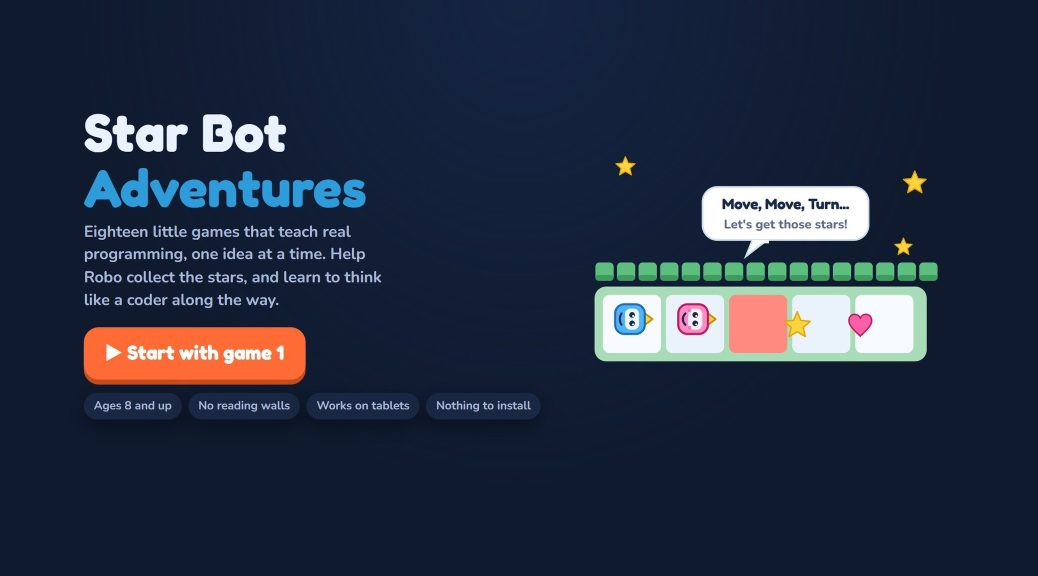
I’ve been building a side project for my son: Star Bot Adventures, a set of 18 browser games that teach programming to kids aged 8 and up. It’s live today at starbot.geekutils.com, it’s free, and there’s nothing to install or sign up for.
Why build another kids’ coding app?
There’s no shortage of coding apps for kids, but most of them seem to fall into one of two camps. Some are fun drag-and-drop toys that never get past loops. Others open with a page of instructions, and an eight-year-old is gone by the second paragraph.
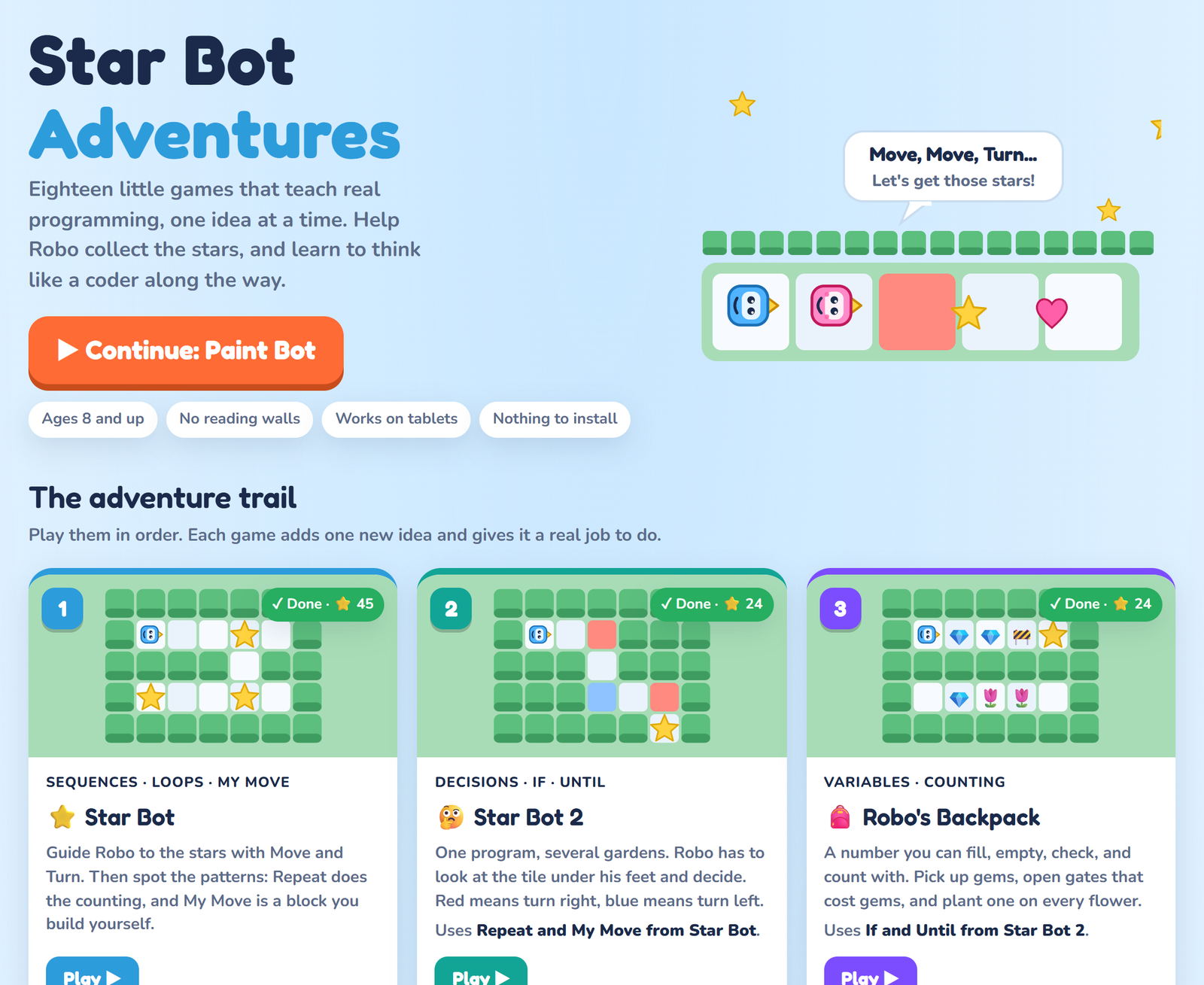
I wanted a path that starts with a robot taking one step and keeps going, one idea at a time, until the same kid is writing recursive drawings and decoding Caesar ciphers. Every game adds exactly one new idea and gives it a real job to do. The hub page says it best: no reading walls.
How it plays
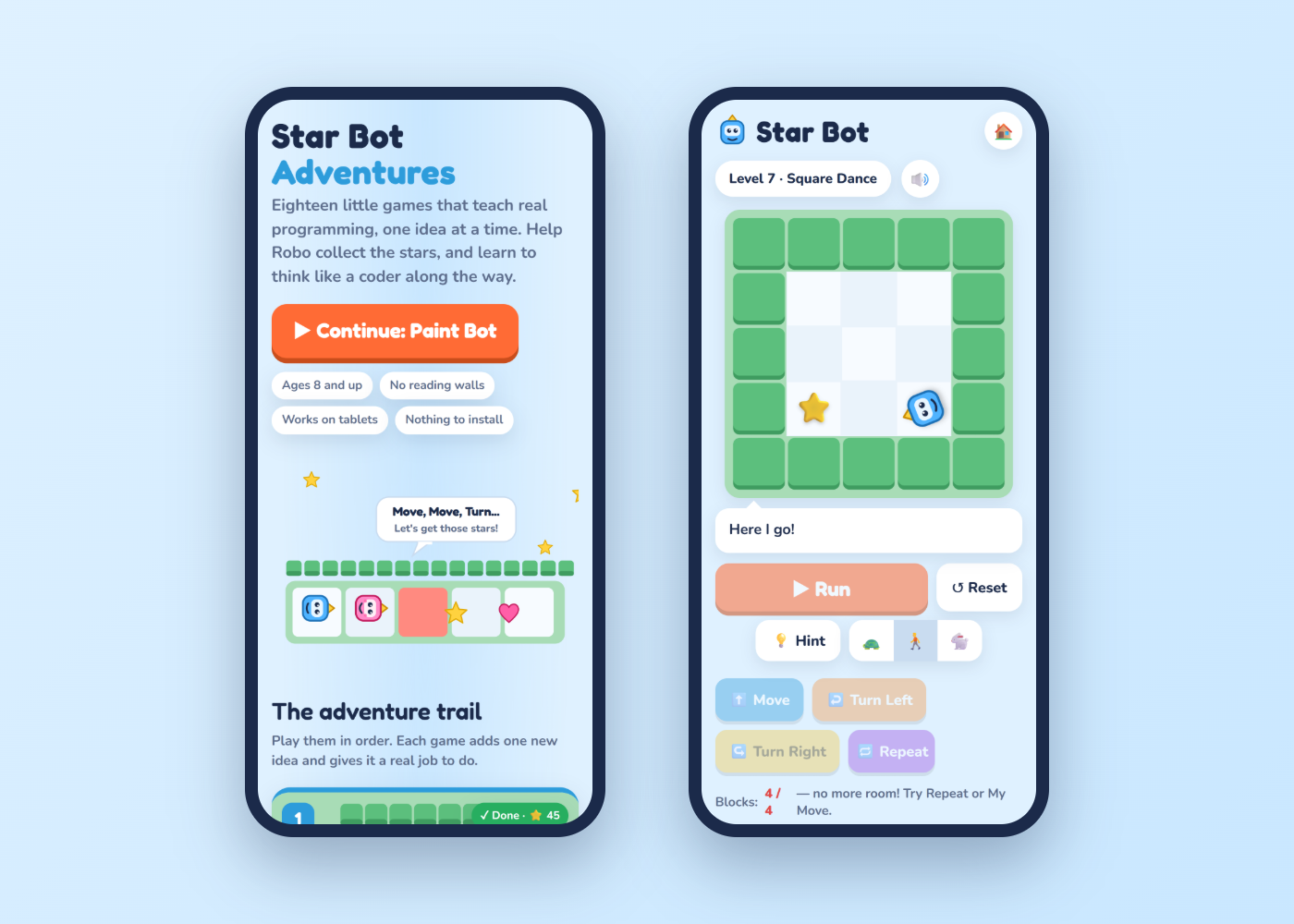
Each level is a small garden. Robo, the robot, has to collect the stars. You build a program out of blocks like Move, Turn Left, Repeat and If, press Run, and watch him carry it out step by step. Bump into a hedge and you fix the program and go again.
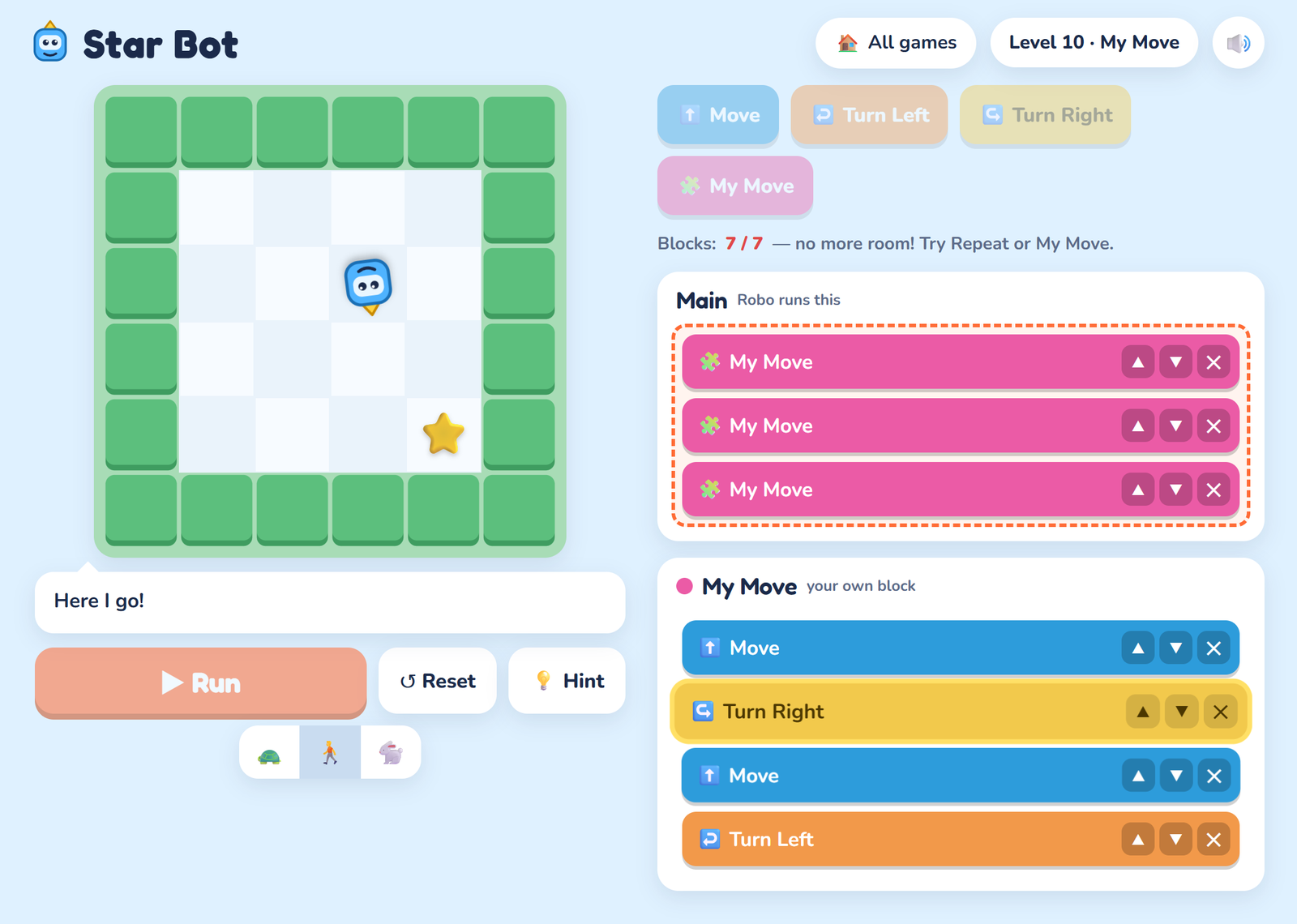
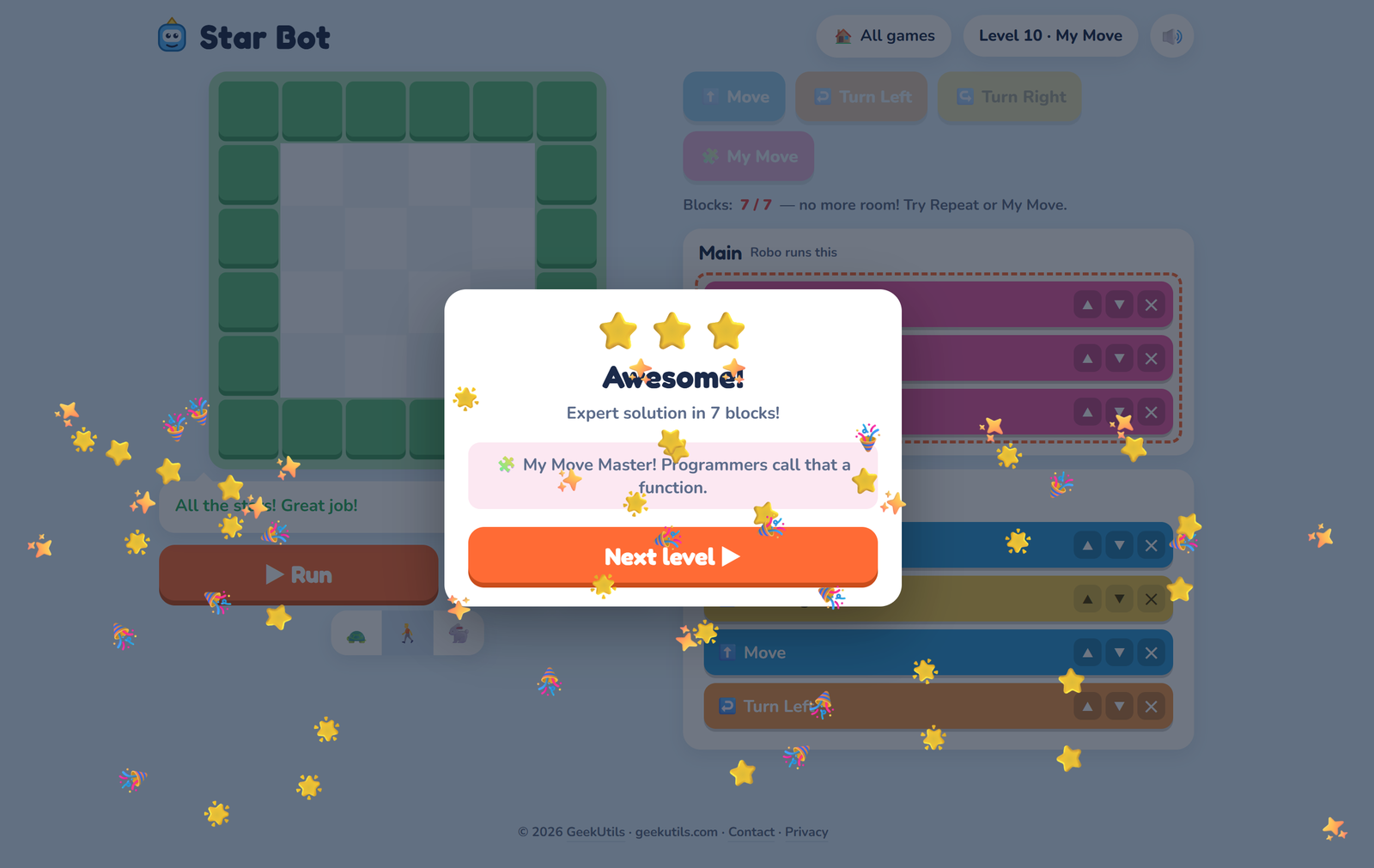
The trick that makes it work is the star rating. Every level has an “expert” block count, and you only get three stars if you match it. That turns “it works” into “can I make it simpler?”, which is the whole game in programming. When the block limit says “no more room! Try Repeat or My Move,” the kid discovers loops and functions because they need them, not because a lesson said so.
The trail: from Move to recursion
Here’s where it goes, in order:
- Star Bot and Star Bot 2: sequences, loops, your own blocks (functions), then If, If/Else and Until, with one program that has to work in several gardens.
- Robo’s Backpack: variables, as a number you fill, empty, check and count with.
- Bug Hunt: ten programs that almost work. Find the bug in as few edits as possible.
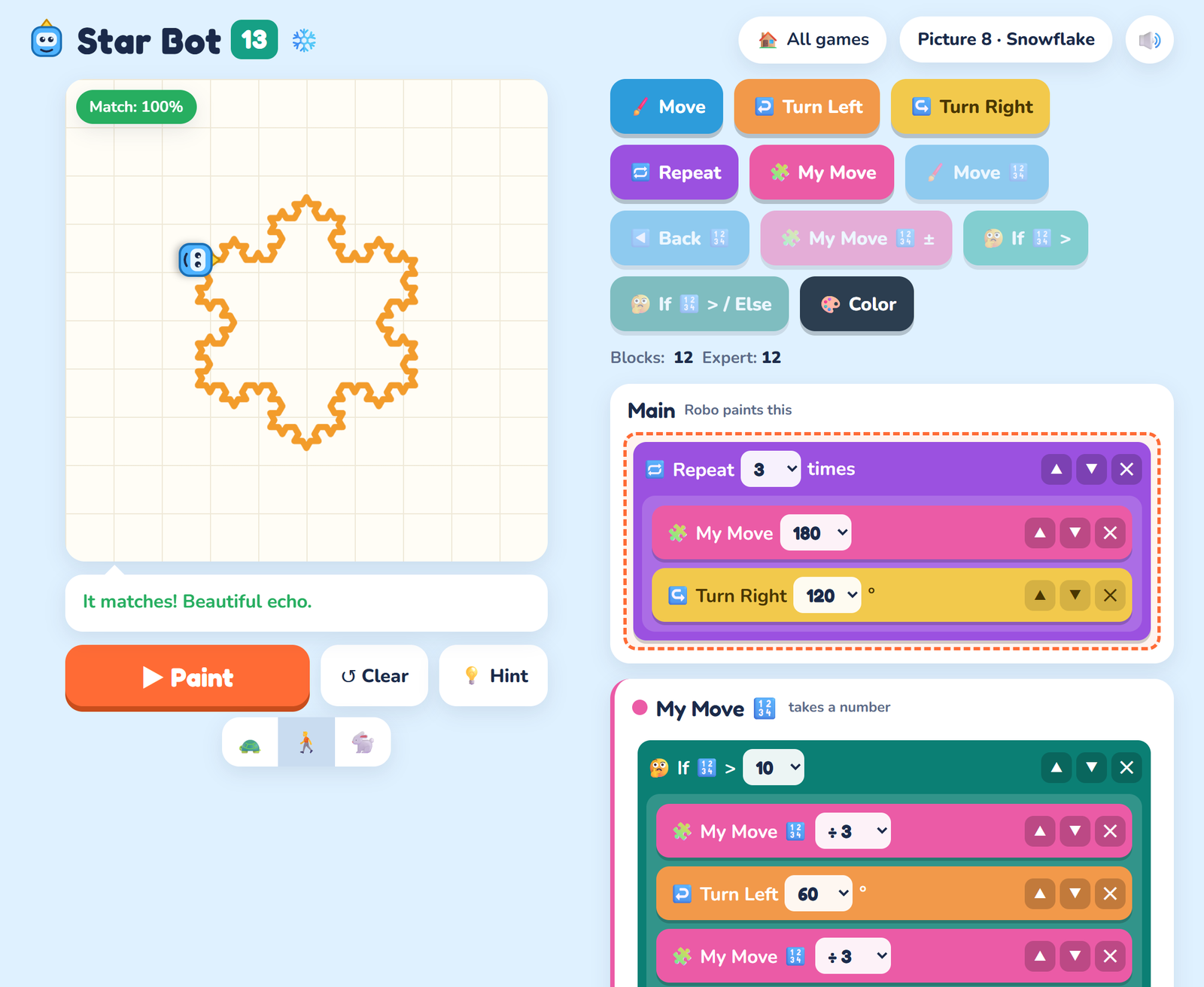
- Paint Bot and The Number Box: turtle graphics, angles, and functions that take a parameter.
- Robo Logic: AND, OR, NOT, While, and the hand-on-the-wall trick that solves any maze.
- Garden Maker: a level editor. Build a garden, prove it can be solved, and share it with a code.
- Two Robots and Walkie-Talkie: two programs running at once, timing, and then message passing, including what happens when both robots wait for each other. Yes, that’s a deadlock, and the game tells you exactly that: they’re waiting for each other, forever, so somebody has to send first.
- Robo’s List and Robo Reacts: lists, and event-driven programs with no Main at all, just “when this happens, do that.”
- Sort Bot: bubble sort passes, then binary search with a limit on how many crates you can open.
- Echo Bot: recursion. My Move calls itself with a smaller number, and you get spirals, trees and snowflakes.
- Explorer Bot: search in a dark maze with a notebook of places to visit. “Go to first” versus “go to last” is breadth-first versus depth-first search, without ever using those words.
- Secret Messages, Dice Bot and Bit Bot: ciphers, randomness (one program has to work for every roll of the die), and binary, with lamps worth 8, 4, 2 and 1.
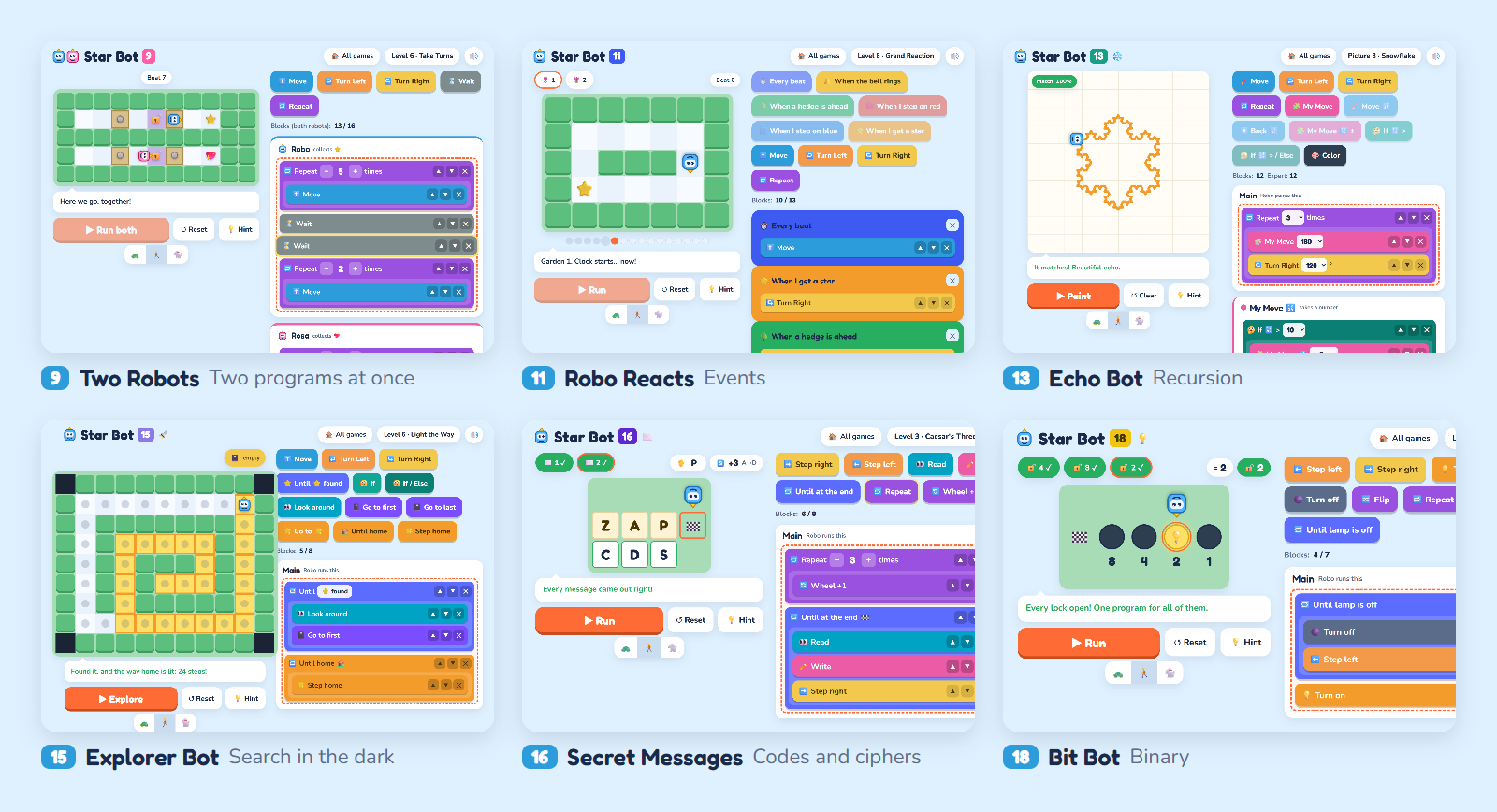
There are nearly 150 levels in all, plus Free Paint and Free Echo modes for when you just want to draw. The later games are genuinely hard, so grown-ups who like puzzles will find plenty to chew on too.
What’s under the hood
For the developers reading this, the stack is deliberately boring:
- Plain HTML, CSS and JavaScript. No framework, no libraries, no build step. Each game is a page with its own stylesheet and script on top of a few shared files.
- A small ASP.NET Core API on .NET 10 serves the level data, so the levels aren’t sitting in the page source. It runs on my own server hosted by Microsoft Azure.
- Every level has an expert solution, and a test plays all of them. A GitHub Actions workflow starts the API, opens every game in headless Chrome, plays each level’s expert solution, and fails the build if a level loses, goes over the expert block count, or shows the wrong win card. Dependabot keeps the packages current.
That test suite caught a real bug the first time it ran. Dice Bot’s “Hidden Die” level only has gardens for rolls of 2 to 6. One run in six, the die came up 1, the program had nowhere to go, and the Run button stayed stuck. Earlier test runs had passed simply because the die never happened to land on 1. That’s the best argument for automated tests I could give a kid: the computer doesn’t get bored of rolling the die.
Built for kids, so it’s private by design
This is for kids, so the rules were simple:
- No accounts, no sign-up, no ads, no cookies, and no third-party analytics.
- Progress stays on the device, saved in the browser.
- The only thing that leaves the device is a set of anonymous counts: which page was opened, the rough screen size, touch or mouse, and when a level is won. No IDs, no names, and no IP addresses are kept.
The honest gaps
A few things to know before you hand it to a kid:
- Progress doesn’t sync. It lives in one browser on one device. Switch tablets or clear the browser’s data and you start over.
- It’s English only, although the games lean on pictures more than text.
- There’s no teacher dashboard or classroom mode. It’s built for a kid and a parent, not for a class of 30.
- Phones work, but tablets and laptops are better. The later games have a lot going on, and the extra room helps.
- It teaches thinking, not syntax. Nobody types code here. The goal is that when a kid meets Python or JavaScript later, loops, functions, lists and recursion already feel familiar.
Bottom line
Star Bot Adventures is the coding course I wanted for my own kid: free, private, no reading walls, and with a trail that goes much further than loops. If you have a kid who likes puzzles, or you like puzzles yourself, give it a try at starbot.geekutils.com. If you find a bug or have an idea for a level, the contact page on the site sends it straight to me.